


Your KingSmith WalkingPad was working normally, but suddenly the remote isn't responding, the KS Fit app won't connect, the display appears stuck, or the machine isn't behaving as expected.
The first thought is often: “How do I reset my KingSmith WalkingPad?” Fortunately, many temporary WalkingPad problems can be addressed with a basic restart before you move on to more complicated troubleshooting.
However, there is an important distinction between restarting the WalkingPad, reconnecting the app, re-pairing a controller, and performing a model-specific reset. These aren't always the same process, and KingSmith controls can differ between models.
This guide explains how to safely restart and troubleshoot a KingSmith WalkingPad, what to check when the KS Fit app or remote isn't working, and when it's better to stop troubleshooting and contact support.
Quick Answer: How Do You Reset a KingSmith WalkingPad?
For a basic restart, stop using the WalkingPad and allow the belt to come to a complete stop. Switch the machine off using its main power switch and disconnect it from power.
Wait briefly before reconnecting the power cable and switching the machine back on. Once it has restarted, check the display and controls before stepping onto the belt.
This simple power cycle can be useful when you're dealing with a temporary control or connectivity issue, but it isn't necessarily a factory reset and won't solve every hardware or error-code problem.
If your model displays an error code or continues behaving abnormally after restarting, check the user manual for that exact KingSmith model before attempting additional procedures.
Restart vs Reset: What's the Difference?
The words “restart” and “reset” are often used interchangeably online, but they can refer to different things. Understanding the difference can prevent you from changing settings unnecessarily.
A restart or power cycle simply turns the WalkingPad completely off and starts it again. This is generally the first troubleshooting step when a device temporarily stops responding.
A factory reset, where supported, can involve returning electronic settings or connections to an original state. The exact procedure is model-specific and shouldn't be guessed from instructions written for another WalkingPad.
There is also app re-pairing, which deals specifically with the connection between your WalkingPad and the KS Fit app. You may be able to solve an app problem without resetting the treadmill itself.
Before You Reset Your KingSmith WalkingPad
Don't immediately start pressing random combinations of buttons. First, make sure the WalkingPad is stopped, and you're standing safely away from the moving belt.
Check that the power cable is properly connected and inspect the visible cable and plug for obvious damage. If something looks damaged, don't continue operating the machine.
If your model uses a safety key, make sure it's positioned correctly according to the user manual. Some treadmill-style KingSmith models may not operate normally if the required safety system isn't engaged.
You should also check whether the issue is actually with the WalkingPad or simply with its remote, app connection, or power source.
Step 1: Stop the WalkingPad Completely
If the WalkingPad is still operating, reduce the speed and stop the belt using the normal controls. Wait until the walking belt has completely stopped before stepping away.
Avoid switching the machine off abruptly while you're actively walking unless you're dealing with an immediate safety issue. Normal stopping procedures are preferable whenever the controls remain responsive.
Once the belt is stationary, step away from the WalkingPad and prepare to disconnect the machine from power.
Step 2: Switch Off the Main Power
Locate the WalkingPad's main power switch and move it to the off position. The exact location can vary between KingSmith models, so check your user manual if you can't immediately find it.
After switching the machine off, disconnect the power cable from the electrical supply. This allows the WalkingPad's electronics to shut down fully rather than remaining in a powered state.
Don't open the motor housing or electrical components during this process. Basic troubleshooting should remain external unless you're an authorized technician.
Step 3: Wait Before Reconnecting
Leave the WalkingPad disconnected briefly before reconnecting it. The goal is to allow the machine to complete a full power cycle rather than immediately switching it off and back on.
You don't need to repeatedly toggle the switch during this period. Leave the machine powered down and avoid pressing controls while it's disconnected.
After waiting, inspect the area around the WalkingPad and make sure nothing is obstructing the belt before restoring power.
Step 4: Reconnect and Restart
Reconnect the power cable securely and switch the WalkingPad back on. Give the machine a moment to complete its normal startup process.
Check the display for unusual information or an error code before stepping onto the belt. If everything appears normal, test the machine at a low walking speed first.
Don't immediately increase to the highest available speed after troubleshooting. A slow test makes it easier to determine whether the original issue has actually disappeared.
Step 5: Test the Controls
Once the WalkingPad has restarted, test whichever control system your model uses. Depending on the model, this could include a remote controller, integrated controls, or the KS Fit app.
Start at the lowest practical speed and confirm that basic start, stop, and speed adjustments respond normally. If your model has a handrail or additional treadmill controls, check those according to its manual.
If the WalkingPad works normally after the restart, the problem may have been temporary. If the same issue immediately returns, more targeted troubleshooting is required.
What If the KS Fit App Isn't Connecting?
A WalkingPad that operates normally but doesn't connect to the KS Fit app doesn't necessarily need a hardware reset. The issue may simply involve the Bluetooth or app connection.
Start by checking that Bluetooth is enabled on your phone and that the WalkingPad is powered on. Open the KS Fit app and follow the device connection process for your compatible model.
If the WalkingPad was previously connected to another phone, that previous connection can also be worth checking. Avoid trying to control the same device simultaneously from multiple phones while troubleshooting.
Athletix's KingSmith WalkingPad KS Fit App Guide is a useful internal resource for users whose main problem is app setup rather than treadmill operation.
Restart Your Phone and App Too
Sometimes the WalkingPad isn't actually the part that needs restarting. A frozen app or temporary phone Bluetooth problem can prevent an otherwise functional WalkingPad from appearing correctly.
Close the KS Fit app completely and reopen it. If that doesn't help, restart the phone and then try the connection process again with the WalkingPad switched on.
Also make sure you're using the correct app and that required phone permissions have been enabled. Permission requirements can vary depending on your phone's operating system.
Should You Remove and Re-Add the WalkingPad in KS Fit?
If a previously working app connection has stopped functioning, re-adding the device may be part of the troubleshooting process depending on the current KS Fit version and your WalkingPad model.
Before deleting existing device information, make sure you understand whether doing so could affect stored app data or settings. App interfaces can change over time, so follow the current in-app instructions.
If the machine works through its physical controls or remote but not through KS Fit, focus on connectivity troubleshooting before assuming there is a motor or controller fault.
What If the KingSmith Remote Isn't Working?
A non-responsive remote is another situation where users often assume the entire WalkingPad needs resetting. In reality, the problem may be limited to the remote itself.
Check the remote's battery first and replace it if necessary. Also make sure you're operating the remote correctly and within an appropriate range of the WalkingPad.
If your specific model requires remote pairing, follow the pairing instructions from that model's user manual. Don't assume that an R1 Pro, R2, C2, or newer MX-series model necessarily uses the same pairing procedure.
After re-pairing, test the WalkingPad at low speed before beginning a normal workout.
Don't Use Random Reset Button Combinations
Search online, and you'll find many combinations involving remote buttons, mode buttons, and power switches. Some may apply to particular WalkingPad generations, while others may not apply to your machine at all.
Using instructions for the wrong model can make troubleshooting more confusing. KingSmith has produced numerous WalkingPads with different controllers, app functions, handrails, and operating modes.
Always identify your exact model before following a model-specific reset or pairing sequence. The model name can usually be found on the product information or machine identification label.
What If Your WalkingPad Shows an Error Code?
An error code changes the troubleshooting process because it can indicate a specific detected condition rather than a temporary software freeze.
Write down the exact code before restarting the machine. Don't rely on memory because codes that look similar may refer to different issues.
Then consult the user manual or a reliable model-specific troubleshooting resource. Athletix's KingSmith WalkingPad Error Codes Explained guide can also be internally linked here to help users identify common code-related problems.
If the same error immediately returns after a normal restart, repeatedly resetting the WalkingPad isn't a real solution. The underlying issue needs to be identified.
Can Resetting Fix a Belt Problem?
Usually not if the problem is mechanical.
If your WalkingPad belt is visibly moving to one side, slipping, rubbing, or behaving unusually, repeatedly switching the electronics off and on won't correct the underlying belt condition.
Walking belts may require inspection, alignment, tension adjustment, or lubrication according to the manufacturer's instructions. These are maintenance procedures rather than electronic reset procedures.
If you're unsure how to adjust the belt, use the model's manual or contact qualified support rather than making large adjustments without guidance.
Resetting Won't Replace Proper Lubrication
A WalkingPad relies on the relationship between the walking belt and deck to operate correctly. Proper maintenance helps reduce unnecessary friction and supports smooth operation.
If the belt feels unusually dry or the machine has maintenance-related symptoms, check the lubrication instructions for your exact model. Don't assume every WalkingPad uses the same lubricant quantity or maintenance interval.
A reset may clear a temporary electronic issue, but it can't physically lubricate the deck or correct a badly adjusted belt.
What If the WalkingPad Won't Turn On?
If nothing happens when you switch the WalkingPad on, start with the obvious checks before assuming an internal failure.
Make sure the cable is securely connected to the machine and electrical supply. If appropriate, verify that the outlet itself is working using a safe method.
Check the machine's main power switch and any required safety-key arrangement on models that use one. If the machine still shows no sign of power, stop repeatedly switching it on and off.
At that stage, contact support or an authorized technician rather than opening electrical housings yourself.
What If the WalkingPad Turns On but Won't Start?
A machine can sometimes power on successfully while refusing to move the belt. This can have several causes, and a reset isn't automatically the answer.
Check whether your model requires a safety key, remote command, handrail position, app setting, or operating mode before the belt can start.
Some KingSmith models have different walking and running configurations, so the permitted controls or maximum speeds can depend on how the machine is set up.
Consult the specific manual if the display powers on normally but the belt doesn't respond.
What If the WalkingPad Stops During a Workout?
First, prioritize safety. Step off only when it's safe to do so and allow the machine to stop completely before inspecting anything.
Unexpected stopping could involve power interruption, a detected error, control issues, or another condition. Record any error code or unusual display message that appears.
After the machine has safely stopped, a normal power cycle can be attempted. If the shutdown happens repeatedly, discontinue use and investigate the cause instead of repeatedly restarting the treadmill.
Can Overheating Be Fixed With a Reset?
A reset should never be used to ignore repeated heat-related symptoms. If a WalkingPad feels unusually hot, produces an abnormal smell or repeatedly shuts down, stop using it.
Allow the machine to cool and inspect it according to the manufacturer's guidance. Make sure ventilation areas aren't obstructed and that the WalkingPad is being used within its specified operating limits.
Persistent overheating should be investigated by support or a qualified technician because continuing to reset and exercise could worsen an underlying issue.
Does Unplugging a KingSmith WalkingPad Erase Everything?
A normal power cycle shouldn't be confused with intentionally deleting app accounts, workout histories, or restoring factory settings.
Your workout information may be associated with the KS Fit app or account rather than stored solely as temporary data inside the treadmill.
If preserving workout history or app settings matters to you, avoid deleting your KS Fit account or clearing app data unless that step is specifically required.
Simply turning the WalkingPad off for normal storage or troubleshooting is a different action.
How to Reset a KingSmith R2 WalkingPad
The KingSmith R2 Smart WalkingPad is a foldable 2-in-1 model designed for both walking and running configurations.
If an R2 experiences a temporary control problem, begin with the basic power-cycle procedure: stop the machine, switch it off, disconnect power, wait briefly, and restart.
For remote pairing, mode configuration, or model-specific electronic procedures, follow the R2 manual rather than applying instructions from the A1 Pro, C2, or another WalkingPad.
Because the R2 combines different operating configurations, correct setup is especially important when troubleshooting speed or control behavior.

How to Reset a KingSmith R1 Pro
The KingSmith R1 Pro WalkingPad is another popular foldable KingSmith model and has been widely used for compact home cardio.
A standard restart can be performed using the same safe power-cycle approach when you're dealing with a temporary electronic issue.
However, controller pairing and other model-specific settings should be handled using the R1 Pro instructions. Don't assume newer R2, R3, or MX-series control procedures are interchangeable.
If your R1 Pro repeatedly displays an error after restarting, record the error and troubleshoot that specific code.
KingSmith C2: Remote and App Troubleshooting
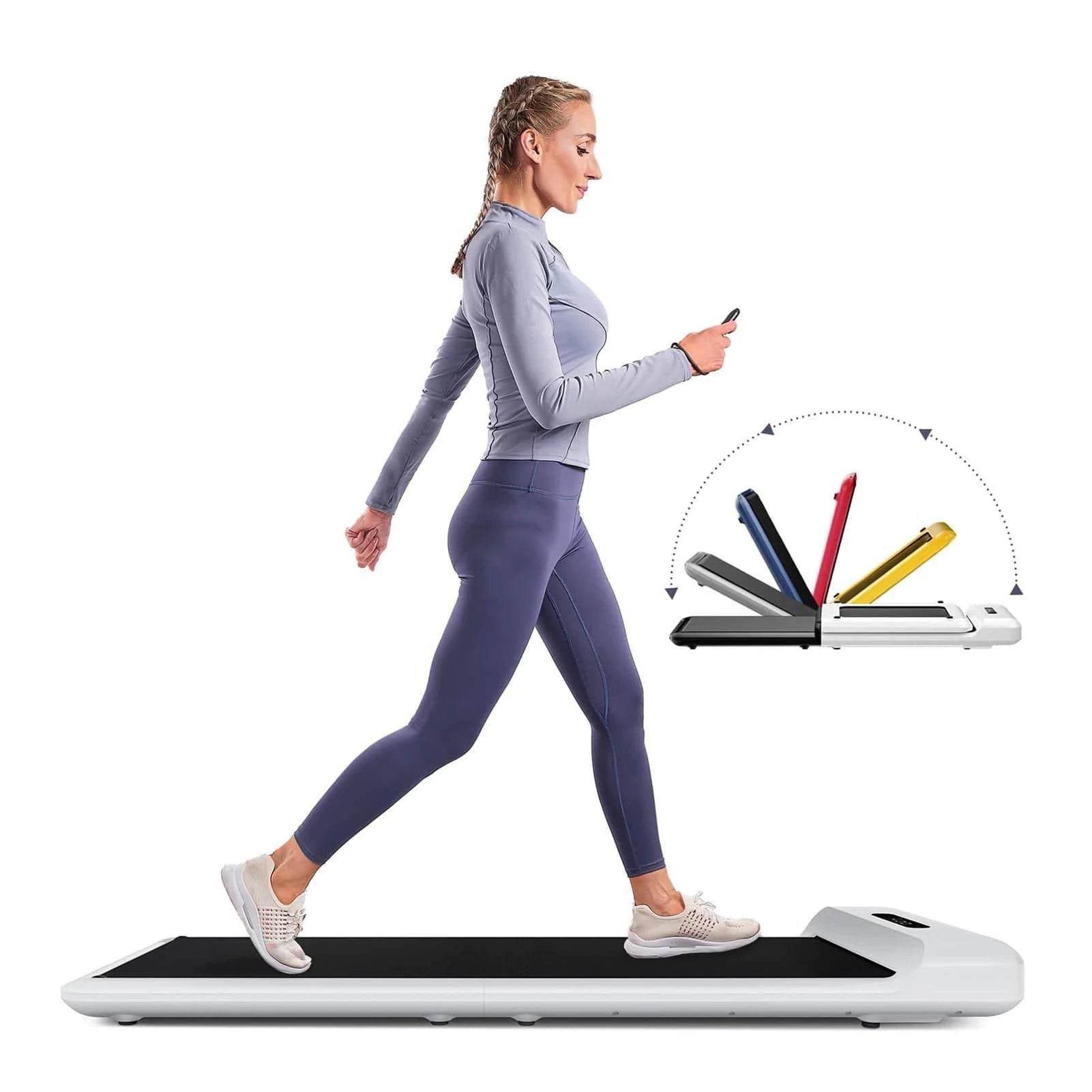
The KingSmith C2 WalkingPad is a compact walking-focused model. Athletix lists it with a 0.5–6 km/h speed range, remote control, and KS Fit app speed control.
That means a C2 control problem can potentially come from more than one place: the treadmill itself, the remote controller, or the app connection.
Before attempting advanced troubleshooting, determine whether the machine responds to one control method but not another. If the app works but the remote doesn't, for example, the remote is the more logical place to investigate.
This simple isolation process can save you from unnecessarily trying to reset a WalkingPad that is otherwise functioning normally.
KingSmith Z3 Hybrid and Z3 Hybrid+
The KingSmith Z3 Hybrid and Z3 Hybrid+ are part of KingSmith's newer foldable WalkingPad range, with the Hybrid+ adding a handled configuration.
Athletix currently lists both models within its KingSmith range for UAE customers, alongside other current-generation foldable machines.
For temporary electronic problems, begin with the standard safe restart. For model-specific calibration, controller, or setup procedures, follow the instructions supplied for your exact Z3 version.
Don't assume the Z3 Hybrid and Z3 Hybrid+ are identical simply because their names are similar.

KingSmith R3 Hybrid WalkingPad
The KingSmith R3 Hybrid is another current foldable smart WalkingPad designed for compact home and office fitness.
Like other smart WalkingPads, troubleshooting should begin by identifying whether the issue involves power, the treadmill controls, connectivity, or a displayed error.
If the machine powers on and operates normally without the app, focus on KS Fit connectivity. If the machine itself won't operate correctly, use the model-specific manual and error information instead.
Separating hardware and connectivity problems is much more useful than repeatedly resetting everything.

KingSmith MX10 Vertical Fold WalkingPad
The KingSmith MX10 uses a vertical-fold design aimed at easier storage in homes where floor space is limited.
Athletix currently lists the MX10 alongside newer KingSmith models such as the MX8 and MX16, giving UAE buyers several compact storage formats to compare.
Because these newer models can differ significantly from older WalkingPads, don't use an old A1 Pro or R1 reset tutorial as a substitute for the MX10 manual.
A normal power cycle is a sensible first step, but model-specific procedures should come from the correct instructions.

KingSmith MX8 Vertical Fold Treadmill
The KingSmith WalkingPad MX8 is another vertical-fold option currently appearing in the Athletix KingSmith collection.
If an MX8 experiences a temporary display or control issue, safely restarting the machine can help determine whether the problem was temporary.
For persistent errors, belt problems, or electronic faults, identify the exact symptom before proceeding. Resetting repeatedly can hide the pattern you need to explain to technical support.
Take a photo or video of unusual behavior where safe to do so, especially if the problem is intermittent.

KingSmith MX16 WalkingPad
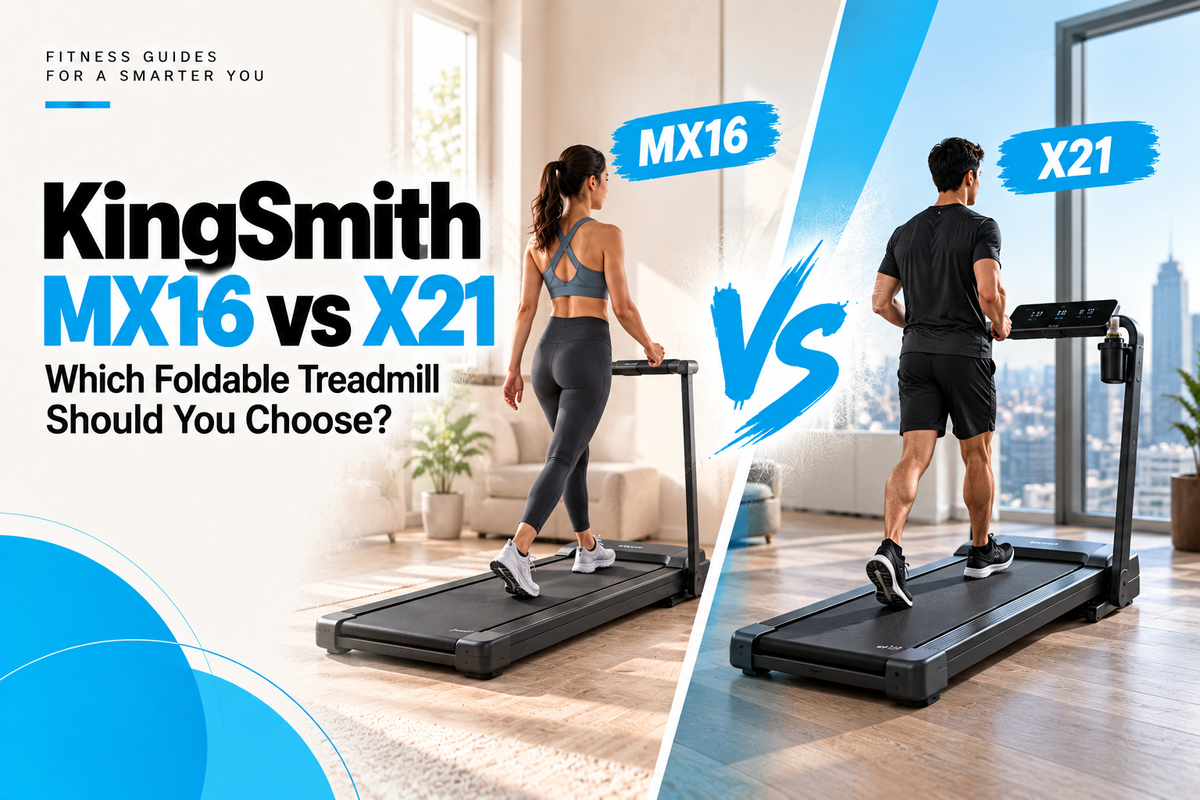
The KingSmith MX16 WalkingPad is currently among the prominent models in Athletix's KingSmith collection and uses a foldable smart treadmill design for home and office use.
With newer WalkingPad models, smart functions and control systems can differ from earlier generations. This makes accurate model identification even more important during troubleshooting.
Use a normal power restart for minor temporary problems, but refer to MX16-specific documentation when dealing with pairing, calibration, or persistent error codes.
Never force a factory-reset procedure copied from a different KingSmith treadmill.
Which KingSmith WalkingPad Should You Choose?
If your current WalkingPad repeatedly causes problems and you're considering replacing it, don't choose a new model purely according to price.
Consider your intended use, maximum speed, user capacity, folded dimensions, app connectivity, handrail requirements, and whether you want walking-only or walking-and-running functionality.
Athletix currently carries a broad KingSmith range including MX16, MX10, MX8, R3 Hybrid, Z3 Hybrid, and Z3 Hybrid+, while other popular models such as the R2, R1 Pro, and C2 may appear depending on stock availability.
That variety makes it possible to choose according to your room and workout style rather than treating every WalkingPad as the same machine.
Walking-Only vs Hybrid WalkingPads
If you mainly walk while working or watching television, a compact walking-focused model can be enough. You may not need the larger structure required for faster running.
Hybrid and handled models can make more sense when you want a wider range of workout speeds or a more treadmill-like training experience.
This distinction also matters for troubleshooting because different machine configurations may have different safety systems, operating modes, and control methods.
Always use instructions written for your exact model.
How to Prevent Future WalkingPad Problems
Basic maintenance can prevent many issues from becoming serious. Keep the WalkingPad clean and inspect the visible belt area regularly for unusual movement or debris.
Follow the manufacturer's guidance for belt lubrication and alignment rather than waiting until the machine becomes noisy or starts operating poorly.
Store foldable models according to their specified storage instructions and avoid placing heavy objects on the machine while it's folded.
You should also keep liquids away from the display, motor area, remote, and electrical connections.
Keep Your WalkingPad Manual
The user manual becomes particularly valuable when something goes wrong. It contains information specific to your machine that a generic internet troubleshooting article cannot safely replace.
Keep a digital or physical copy where you can find it easily and note your exact KingSmith model before contacting support.
If your machine displays an error, provide the model name, error code, and description of what happened immediately before the problem appeared.
That information can make technical troubleshooting much faster.
When Should You Stop Troubleshooting?
Some problems shouldn't be handled through repeated resets.
Stop using the WalkingPad and seek professional assistance if you notice persistent electrical problems, burning smells, unusual smoke, repeated unexpected shutdowns, or severe mechanical noises.
You should also seek support when the same error code returns after a normal restart or when the belt behaves unpredictably despite correct basic setup.
Opening electrical or motor components yourself can create additional safety risks and may affect warranty coverage.
Where to Buy KingSmith WalkingPads in UAE
Athletix's KingSmith Treadmills & WalkingPads collection currently includes compact walking pads, hybrid WalkingPads and vertical-fold treadmills for UAE homes and offices.
Current listings include models such as the KingSmith MX16, MX10, MX8, R3 Hybrid, Z3 Hybrid and Z3 Hybrid+, alongside other KingSmith fitness products.
Depending on stock, shoppers may also find popular models such as the R2 Smart WalkingPad, R1 Pro, C2, and other KingSmith foldable treadmills.
Compare the exact model specifications before purchasing because speed, control method, handrail design, folding mechanism, and app features can vary significantly.
Related Athletix Guides
How Long Does a KingSmith WalkingPad Last?
How Much Space Do You Really Need Around a Walking Pad?
Best Quiet Walking Pads for Apartments in UAE
Final Thoughts
So, how do you reset a KingSmith WalkingPad?
For a simple temporary problem, begin with the safest option: stop the WalkingPad completely, switch it off, disconnect the power, wait briefly, and then restart the machine.
After restarting, test the WalkingPad at low speed and check whether its normal controls respond correctly.
But don't treat “reset” as the solution to every WalkingPad problem.
If the KS Fit app won't connect, troubleshoot the app and Bluetooth connection. If the remote doesn't work, check its battery and model-specific pairing procedure.
If you have a belt alignment or lubrication problem, perform the appropriate maintenance rather than repeatedly restarting the electronics.
And if the WalkingPad displays an error code, record the exact code and identify what it means before attempting further troubleshooting.
Most importantly, don't use random button combinations from another KingSmith model. An R1 Pro, R2, C2, Z3 Hybrid, R3 Hybrid, MX8, MX10 and MX16 can have different controls and operating features.
Start with a safe power cycle, identify the exact symptom, then follow the instructions for your specific model.
For UAE shoppers looking for a compact replacement or newer model, explore Athletix's KingSmith WalkingPads & Treadmills range to compare foldable, hybrid, and vertical-fold options for apartments, home offices, and home gyms across Dubai, Abu Dhabi, Sharjah, and the UAE.